Author: E-Commerce Addict

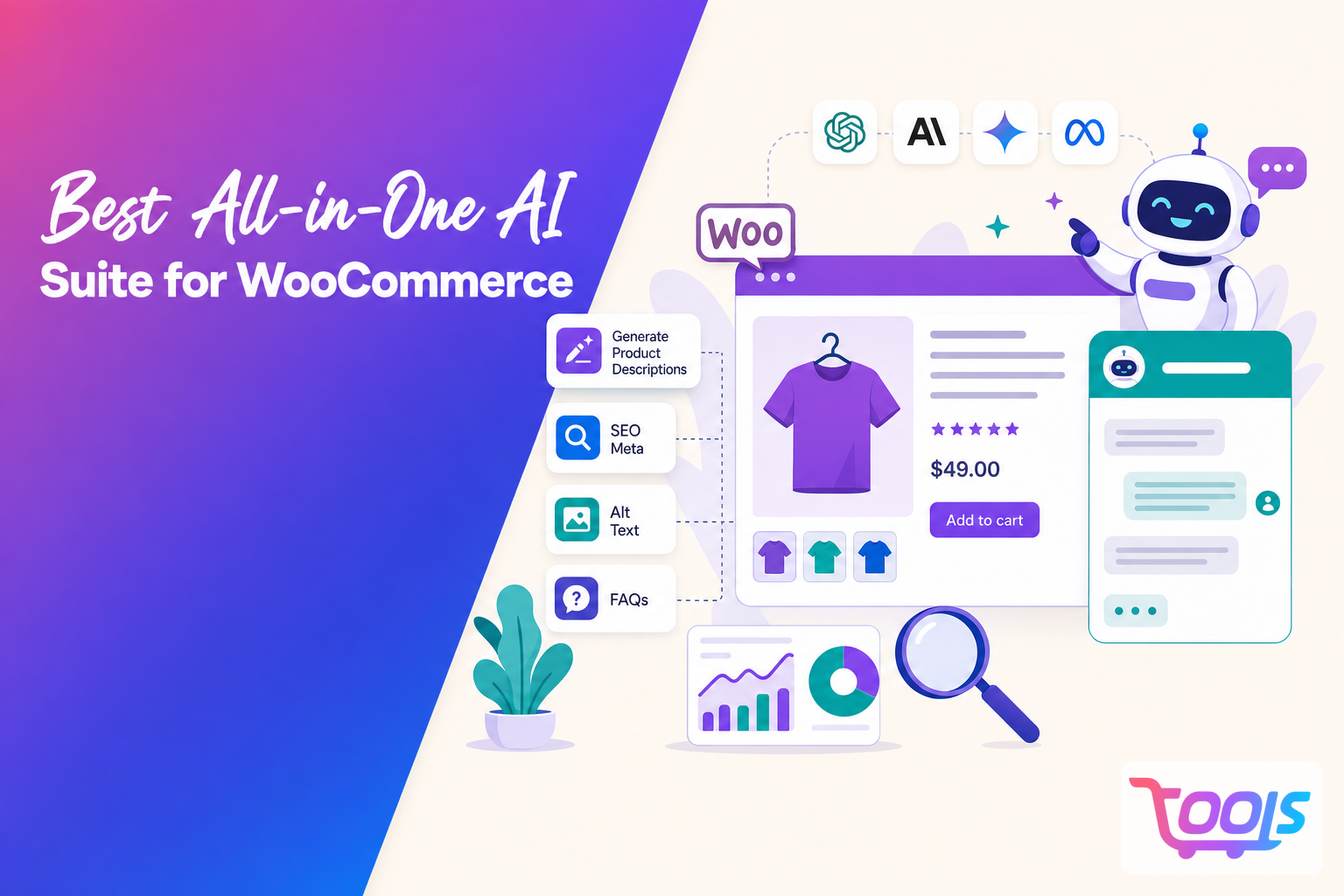
  • Best All-in-One AI Suite for WooCommerce in 2026: Generate Product Descriptions, SEO Meta, Alt Text, FAQs, and a Store-Aware AI Chatbot with Top AI Models

    Best All-in-One AI Suite for WooCommerce in 2026: Generate Product Descriptions, SEO Meta, Alt Text, FAQs, and a Store-Aware AI Chatbot with Top AI Models

    WooCommerce merchants have no shortage of AI tools in 2026. The challenge is finding one that handles more than a single task. Some tools write product descriptions, some focus on SEO, and others add a chatbot. An all in one platform brings those jobs together so you can create product content, generate SEO metadata, write image alt text, build FAQs, and answer customer questions without jumping between multiple plugins.

    For stores with growing catalogs, that can mean less repetitive work and fewer inconsistencies across product pages.

    How do the leading all in one AI suites compare?

    The best platforms are built around workflow, not just features. Instead of solving one problem at a time, they support the full publishing process inside WooCommerce.

    Option Product descriptions SEO meta Alt text FAQs Store aware chatbot Multiple AI models WooCommerce integration Best for
    AI Product Tools Yes Yes Yes Yes Yes Yes Native Merchants who want one workflow
    Content focused AI tools Yes Limited No Limited No Varies Usually manual Basic copywriting
    Generic AI chatbot Manual Manual Manual Manual General knowledge only Often yes Indirect Drafting ideas
    Separate SEO and AI plugins Partial Yes Partial No No Varies Multiple plugins Custom setups

    Most stores gain more from a connected workflow than from collecting separate AI features.

    Smaller businesses often want simplicity. Growing stores usually need bulk generation and consistent branding across hundreds of products. Larger retailers and agencies tend to care more about automation and managing large catalogs efficiently.

    A complete AI suite should support the full product publishing process, from descriptions and SEO metadata to FAQs and chatbot responses based on your own catalog.

    Features worth looking for

    A useful WooCommerce AI platform should help with the entire publishing process.

    AI generated product descriptions can speed up product creation while keeping tone and formatting consistent.

    SEO titles and meta descriptions help search engines understand your pages and influence how listings appear in search results.

    Image alt text improves accessibility and gives search engines more context about product images.

    Product FAQs answer common questions before shoppers contact support.

    A store aware chatbot responds using your WooCommerce catalog rather than relying only on general AI knowledge.

    Support for multiple AI models lets you choose between higher quality writing, faster responses, or lower operating costs.

    Bulk generation becomes increasingly valuable as product catalogs grow because it removes the need to update products one at a time.

    Why a store aware chatbot matters

    A chatbot connected to your WooCommerce store can answer questions using product information, categories, FAQs, and business policies from your own catalog.

    That makes it more useful for questions about specifications, compatibility, shipping, warranties, or product recommendations than a chatbot working only from general knowledge.

    The quality of those answers still depends on the quality of your product data. If catalog information is incomplete or outdated, the chatbot’s responses will reflect that.

    Choosing AI models

    No single AI model is the best choice for every task.

    Higher performing models often produce stronger product pages and brand content.

    Faster models work well for repetitive jobs such as generating metadata or editing large numbers of products.

    Lower cost models can make sense for stores creating thousands of content assets every month.

    A platform that supports multiple AI models gives merchants more flexibility as pricing and model capabilities change.

    Pricing

    Most WooCommerce AI platforms use one of three pricing approaches.

    Pricing model Typical structure Best for
    Monthly subscription Fixed monthly fee Predictable workloads
    Usage based Pay for AI consumption Seasonal stores
    Hybrid Subscription plus usage Growing businesses

    Before choosing a platform, check AI usage limits, chatbot availability, bulk generation limits, supported AI models, and whether the WooCommerce integration is truly native.

    Choosing the right platform

    A long feature list is less important than how well the platform fits your day to day workflow.

    Look for native WooCommerce integration, reliable product synchronization, bulk editing, image support, and a chatbot that answers questions using your own catalog.

    Also review how product data is processed, whether your own API keys are required, what information is sent to AI providers, and how customer conversations are handled.

    If you already use separate writing tools, SEO plugins, and chatbot services, moving those tasks into one platform may simplify ongoing maintenance and reduce duplicated work.

    Verdict

    For many WooCommerce stores, an integrated AI platform is the most practical choice. Combining product descriptions, SEO metadata, image alt text, FAQs, a catalog aware chatbot, and support for multiple AI models in one place can simplify publishing and help keep product information consistent.

    AI Product Tools is one option for merchants who want that workflow inside WooCommerce instead of managing several separate services. The best fit depends on your catalog size, publishing volume, support requirements, and preferred AI providers.

    Frequently Asked Questions

    What is the best all in one AI suite for WooCommerce?

    Look for a platform that combines product descriptions, SEO metadata, image alt text, FAQs, a store aware chatbot, native WooCommerce integration, and support for multiple AI models.

    Can AI generate WooCommerce product descriptions and SEO metadata?

    Yes. Many AI platforms can create product descriptions, SEO titles, meta descriptions, FAQs, and other product content individually or in bulk.

    How is a store aware chatbot different from ChatGPT?

    A store aware chatbot uses your WooCommerce catalog as its source of information. A general AI assistant does not automatically know your products, inventory, or store policies.

    Which AI model is best for WooCommerce content?

    The best model depends on the task. Higher performing models often suit customer facing copy, while faster or lower cost models can be better for high volume publishing. Platforms with multiple model support offer more flexibility.

    Is an all in one AI suite better than separate AI tools?

    For many stores, it can be. A single platform reduces context switching, keeps product information more consistent, and can simplify ongoing management.
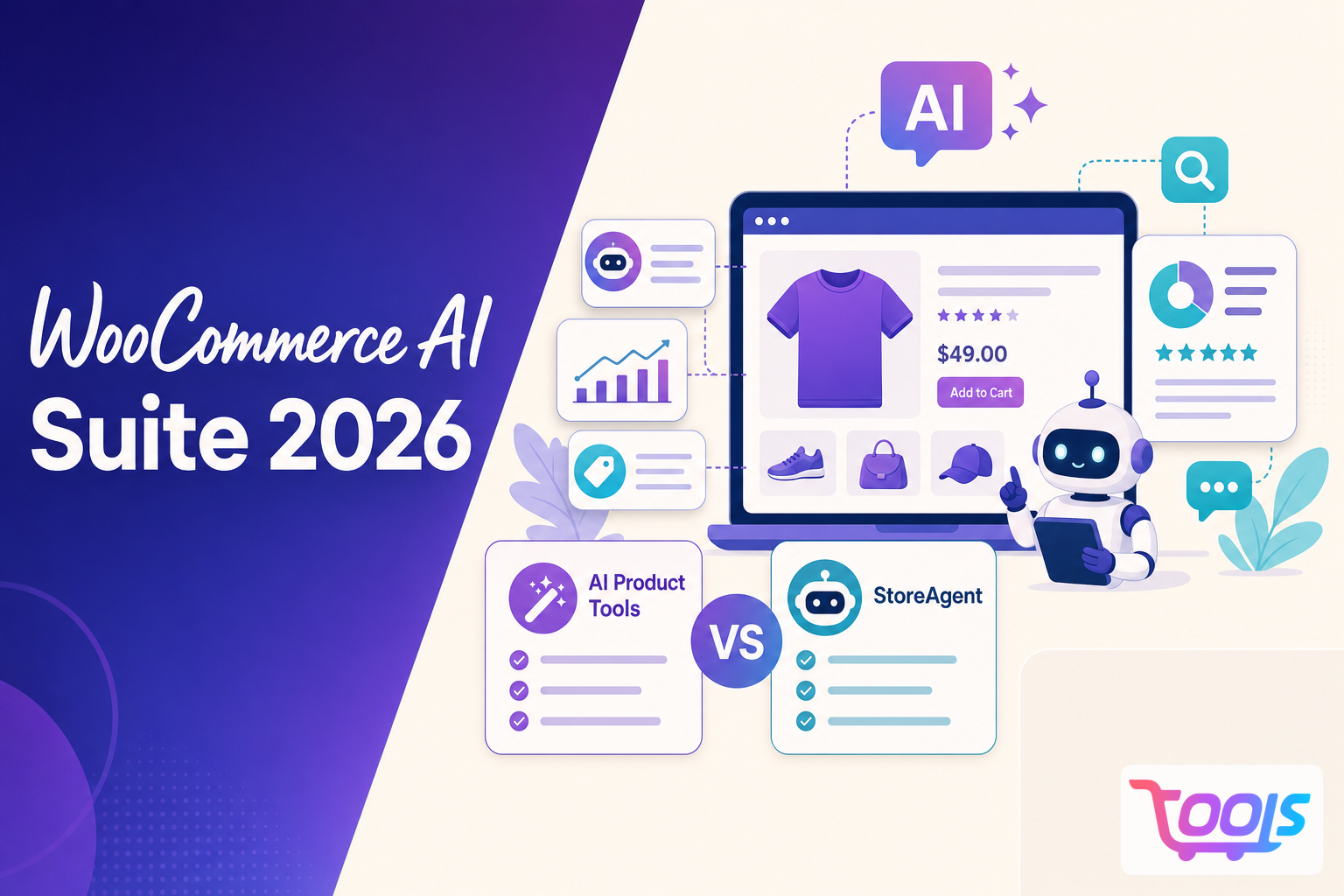
  • WooCommerce AI Suite 2026: AI Product Tools vs StoreAgent, Which All in One WooCommerce AI Plugin Fits Your Store?

    WooCommerce AI Suite 2026: AI Product Tools vs StoreAgent, Which All in One WooCommerce AI Plugin Fits Your Store?

    Quick answer

    AI Product Tools and StoreAgent solve similar problems, but they take very different approaches.

    AI Product Tools is a WordPress native WooCommerce AI suite built around flexibility and control. It combines product descriptions, SEO metadata, image alt text, product titles, FAQs, bulk generation tools, automation workflows, and a store aware AI chatbot in a single plugin.

    StoreAgent takes a more managed approach. AI processing is included, setup is simpler, and its published features place more emphasis on customer support workflows, order related conversations, review summaries, and conversion insights.

    If you want an all in one WooCommerce AI platform with advanced content generation, automation, prompt customization, model flexibility, and detailed bulk editing workflows, AI Product Tools is likely the better fit. If you want the simplest setup and prefer an AI service that handles most technical decisions for you, StoreAgent may suit you better.

    DimensionAI Product ToolsStoreAgent
    Operating modelWordPress native WooCommerce plugin with BYOK supportManaged SaaS platform with AI processing included
    PricingFree plan available. Paid plans start at $7.99 per month. AI usage is billed through your chosen provider.Subscription includes AI processing, subject to plan limits.
    AI modelsMore than 300 supported models across OpenAI, Gemini, Claude, and OpenRouterPublic documentation provides less detail about provider and model selection
    Content toolsProduct descriptions, SEO metadata, image alt text, FAQs, product titles, bulk generation, and a store aware chatbotAI content tools, chatbot, review summaries, conversion insights, and product listing insights
    SetupRequires an API key for most providersNo API key required
    Prompt customizationVisual Prompt Builder, reusable prompt templates, custom instructions, and brand voice controlsManaged workflow with fewer publicly documented prompt customization options
    AutomationBuilt in scheduler, recurring automation jobs, advanced product filters, and automated content workflowsAI task automation with less emphasis on user configurable scheduling workflows
    Bulk workflowLive generation progress, inline editing, approval workflows, retries, and detailed review controlsBulk generation with review capabilities
    SEO toolsDedicated SEO metadata generator, SERP previews, FAQ schema, product titles, and taxonomy content generationSEO friendly content generation
    CustomizationCustom fields, custom taxonomies, custom prompts, custom AI providers, and custom modelsMore opinionated and managed experience

    Which plugin covers more in one place?

    AI Product Tools combines multiple WooCommerce AI workflows inside a single plugin. Beyond product content generation and AI assisted product conversations, it also includes SEO metadata generation, FAQ creation, image alt text generation, product title optimization, automation workflows, advanced bulk editing tools, prompt customization, and scheduled content updates.

    For many stores, this can eliminate the need for several separate AI, SEO, and content generation plugins. The goal is to reduce the need for separate SEO, content generation, and chatbot plugins.

    StoreAgent also combines several AI features, but its focus is different. Its published documentation highlights managed AI processing, order support, review summaries, conversion insights, and integrations with WooCommerce extensions.

    The better choice depends on what you mean by “all in one.” If you want one plugin that replaces several AI tools while leaving provider choice in your hands, AI Product Tools is built around that idea. If you want a managed service that handles the AI side for you, StoreAgent matches that requirement.

    Product content generation

    AI Product Tools places more emphasis on structured WooCommerce content.

    It supports product descriptions, SEO metadata, image alt text, FAQs, product titles, bulk generation, reusable prompts, a visual prompt builder, FAQ schema, SERP previews, and custom taxonomy workflows.

    Another major difference is workflow control.

    AI Product Tools includes advanced bulk generation interfaces with live progress tracking, inline editing, approval workflows, regeneration options, reusable prompts, and brand voice controls. This makes it particularly useful for stores managing hundreds or thousands of products.

    StoreAgent also includes AI content features, although its public materials focus more on review summaries, product insights, and managed assistance than on SEO content workflows.

    For stores updating large catalogs or creating SEO content in bulk, AI Product Tools documents more features in this area.

    AI models and ongoing costs

    One of the biggest differences is how each product handles AI providers.

    AI Product Tools supports more than 300 models across OpenAI, Gemini, Claude, and OpenRouter. You decide which provider to use and can change providers later without changing plugins.

    Model flexibility is only part of the picture.

    AI Product Tools also allows merchants to customize prompts, switch providers, reuse prompt templates, create brand specific workflows, and optimize costs by assigning different models to different tasks.

    For stores that regularly generate large amounts of content, this level of control can become increasingly valuable over time.

    StoreAgent includes AI processing in its subscription. That removes the need to think about API keys or model selection.

    The tradeoff is straightforward. AI Product Tools gives you more control over providers and spending, while StoreAgent removes most of the setup and management work.

    Setup

    StoreAgent is easier to start with because AI processing is already included.

    AI Product Tools asks you to connect an API key before you begin. After that, you can switch providers or models without changing your workflow.

    For WordPress users who already manage plugins and integrations, that extra setup may not be a major hurdle. Others may prefer StoreAgent’s simpler onboarding.

    Chatbot features

    The chatbots are aimed at slightly different jobs.

    AI Product Tools combines a sales focused chatbot with its content generation tools, making it useful for helping shoppers find products.

    StoreAgent’s published features focus more on customer service. They include order status, order history, chat history, support escalation, and support for more than 100 languages according to its public documentation.

    If your chatbot mainly helps customers choose products, AI Product Tools aligns well with that use case. If most conversations involve existing orders, StoreAgent documents more support features.

    Automation and workflow flexibility

    One area where AI Product Tools differentiates itself is workflow automation.

    The plugin includes recurring automation jobs, advanced product filters, scheduling options, bulk generation queues, approval workflows, and automated content updates.

    Instead of generating content one task at a time, merchants can build repeatable workflows that continuously improve and maintain their product catalog.

    StoreAgent focuses more on managed AI assistance, while AI Product Tools gives merchants more direct control over how and when content is generated.

    Privacy and control

    AI Product Tools stores encrypted API keys locally and sends requests to the AI provider you choose. That gives merchants more visibility into where AI requests are processed.

    StoreAgent handles AI requests through its managed platform, which reduces administration but also means the service sits between your store and the AI processing.

    Neither model is inherently better. The choice comes down to whether you value direct control or operational simplicity.

    Overall value

    AI Product Tools is aimed at merchants who want one plugin to handle product descriptions, SEO metadata, image alt text, FAQs, product titles, bulk generation, and a store aware chatbot while choosing their own AI provider.

    StoreAgent’s value comes from convenience. AI processing is included, setup is simpler, and its published features include customer support tools, review summaries, conversion insights, and integrations with extensions such as Advanced Coupons, WC Vendors, and Wholesale Suite.

    Verdict

    AI Product Tools is a strong choice for WooCommerce merchants who want more than a chatbot or a product content generator.

    It combines product descriptions, SEO metadata, image alt text, FAQs, product titles, automation workflows, advanced bulk editing, prompt customization, and a store aware AI chatbot inside a single plugin while allowing merchants to choose their preferred AI providers and models.

    StoreAgent is a strong option for merchants who prioritize simplicity, managed AI processing, and customer support related conversations.

    For businesses that value flexibility, workflow control, content operations, and long term scalability, AI Product Tools offers a broader and more customizable WooCommerce AI platform.


    Learn more

    If you want to evaluate either option further, compare the current feature lists, pricing, AI model support, and documentation before deciding which approach best fits your WooCommerce workflow.

    Learn more

    Frequently Asked Questions

    What is the main difference between AI Product Tools and StoreAgent?

    AI Product Tools is a WordPress native WooCommerce plugin that lets you choose your AI provider, while StoreAgent is a managed SaaS platform with AI processing included.

    Which plugin is better for WooCommerce product content generation?

    The article says AI Product Tools documents more features for structured product content, including product descriptions, SEO metadata, image alt text, FAQs, product titles, bulk generation, reusable prompts, and related workflows.

    Do I need an API key for AI Product Tools?

    Yes. AI Product Tools requires an API key for most providers, while StoreAgent includes AI processing and does not require users to manage API keys.

    How do the chatbot features differ?

    AI Product Tools focuses on product discovery with a store aware sales chatbot, while StoreAgent emphasizes customer support features such as order status, order history, chat history, support escalation, and multilingual support.

    Get Started Free

  • How AI Product Tools Supercharge WooCommerce SEO: Bulk Content, Automation, and Multilingual Reach

    How AI Product Tools Supercharge WooCommerce SEO: Bulk Content, Automation, and Multilingual Reach

    Outdated SEO Tactics Drain Time and Traffic

    You spend hours rewriting product descriptions, updating meta titles, and trying to keep up with Google's constant algorithm changes. Your WooCommerce store has hundreds of SKUs, but your search rankings barely move. As competitors pump out new content and launch multilingual storefronts, it feels impossible to keep up without a bigger team or blowing the budget on agencies.

    One store owner I spoke to updated 600 products manually, burning through a full week just to adjust keywords and descriptions. That's a week not spent on marketing, customer service, or growth. Meanwhile, international shoppers bounce off your site because only English content is available. Automation sounds great, but most solutions feel clunky or generic, and they don't tap into the real power of AI.

    The Real Pain: Manual SEO Eats Profits and Slows Growth

    Let's get specific. Updating 500 products means at least 20 hours of work, even if you're copy-pasting. Multiply that by quarterly refreshes, and you're sinking 80 hours a year—just for basic SEO hygiene. That's before you even touch blog posts, category pages, or troubleshoot slow indexing. If you want to expand to other markets, translation alone adds another 40-60 hours per language, not counting product-specific tweaks for local search terms or regulations.

    Google's updates now factor in content freshness, semantic intent, and multilingual relevance. Stores that lag behind miss out on new customers and see dropping organic traffic. The old model-write, optimize, wait for indexing-doesn't cut it in 2026. Your competitors are using bulk AI product description generators, automated indexing, and instant translations. If you're not, you're leaving money on the table every day.

    What Works for Modern WooCommerce SEO

    Winning stores use AI SEO tools for WooCommerce stores that automate repetitive tasks, generate unique content at scale, and adapt to new search trends. The goal isn't just more content-it's smarter, targeted updates that keep your catalog fresh and relevant. Bulk content generators, multilingual AI, and automated site indexing are now table stakes if you want to grow in a crowded market.

    Look for solutions that let you:

    • Update thousands of products or pages in minutes, not days

    • Customize content by language, region, or product type

    • Integrate with multiple AI providers (OpenAI, Google Gemini, etc.) for flexibility

    • Automate on-page SEO, meta tags, and schema markup

    • Schedule recurring SEO jobs without manual oversight

    Manual work slows you down and makes it tough to scale. The best AI SEO plugins for WordPress plug straight into your workflow, not around it.

    How AI Product Tools Transforms WooCommerce SEO

    AI Product Tools brings these features together in one plugin, designed for WooCommerce. It's not just about bulk generation-it's about giving you granular control over SEO, content, and automation.

    Bulk AI Product Description Generator

    Update your entire catalog with fresh, keyword-rich descriptions in a single batch. Need to tweak tone, word count, or insert product-specific attributes? Pick your parameters and let the AI do the rest. One store owner used this to refresh 1,200 SKUs in under 30 minutes, targeting seasonal keywords and boosting organic clicks by 18% the next month.

    WooCommerce SEO Automation Jobs

    Schedule automated updates for meta titles, descriptions, and even product attributes. Set jobs to run weekly, monthly, or after inventory changes. AI Product Tools can trigger Google's indexing API instantly, helping new and updated pages appear in search results within hours, not days.

    Multilingual AI Content for Ecommerce

    Expand globally without hiring translators. Generate product content, meta tags, and even FAQs in 30+ languages, tuned for local search intent. Use AI Smart Parameters™ to adjust content length, keyword focus, and compliance for each market. One electronics store rolled out German and Spanish versions of 800 products in a single afternoon, driving 32% more international traffic within two months.

    AI-Powered Product Indexing for WooCommerce

    Don't wait for Google to notice new products. The plugin's AI indexing jobs submit URLs directly to search engines and monitor crawl status. Fix indexing gaps before they hurt your rankings. This means new launches and quick edits show up in SERPs faster, which is crucial for fast-moving inventory or flash sales.

    Multi-Provider AI Model Support

    Switch between OpenAI GPT-5/4o, Google Gemini 3.0/2.5, or over 300 models via OpenRouter. If you want to experiment with different AI outputs or pricing, you're not locked in. Combine models for A/B testing product copy or translating niche terminology with the provider that handles it best.

    Step-by-Step: Using AI Product Tools to Automate WooCommerce SEO

    1. Connect Your AI Providers

    Install the plugin, then link your API keys for OpenAI, Gemini, or other providers. Choose defaults, or set up rules for when to use each.

    2. Configure Bulk Content Jobs

    Select the products or categories you want to update. Set your language, tone, and keyword parameters using the AI Smart Parameters™ panel. Preview a few samples, then launch the job. Watch as the plugin updates hundreds of products in minutes.

    3. Automate Meta and Schema Updates

    Set up recurring jobs for meta titles, meta descriptions, and structured data. Choose how often to refresh, and the plugin handles it in the background. No more worrying if Google sees outdated content.

    4. Launch Multilingual Content in One Click

    Pick additional languages, and the plugin generates translations for product descriptions, meta tags, and even reviews. Enable automatic detection of new products, so translations stay up to date as your store grows.

    5. Enable Instant Indexing

    Connect Google's Indexing API and let the plugin submit new or updated URLs automatically. Check the dashboard for crawl status and fix errors as needed.

    6. Analyze Impact and Fine-Tune

    Monitor traffic, impressions, and click-through rates from the plugin's reporting panel. Adjust your AI prompts or switch providers to optimize further. Test different tones, keyword strategies, or content lengths to see what drives the best results for your niche.

    What Changes When You Automate WooCommerce SEO with AI

    Time savings are immediate and measurable. Updating 1,000 products manually takes most stores at least 40 hours. With AI Product Tools, that drops to under 45 minutes, including review time. Rolling out three new languages across your catalog? Expect two hours of setup, not a month of translation work.

    Automated indexing means new products appear in Google within 6-12 hours, not two to three days. More frequent meta refreshes keep your pages relevant and competitive. One multi-brand retailer saw a 22% lift in organic traffic within the first quarter after automating their WooCommerce SEO workflow.

    Most importantly, you shift from firefighting SEO problems to scaling your store, testing new markets, and growing revenue. Less grunt work, more growth.

    Frequently Asked Questions

    • **Can I use AI Product Tools for bulk AI product description generation in multiple languages?**Yes. The plugin supports over 30 languages, and you can customize prompts for each region or market.

    • **How fast does the AI-powered product indexing for WooCommerce work?**Most new or updated products are indexed by search engines within 6-12 hours, much faster than manual methods.

    • **Does WooCommerce SEO automation affect existing customizations?**You can set rules to exclude specific products or fields, so custom content isn't overwritten. All changes are reversible.

    • **Which AI models does AI Product Tools support?**It works with OpenAI GPT-5/4o, Google Gemini 3.0/2.5, and over 300 models via OpenRouter, letting you choose the best fit for your store.

    Ready to stop wasting time and start scaling your WooCommerce store's SEO? AI Product Tools makes real automation a reality. Try it, and see your search traffic grow while your workload shrinks.

  • How to Effortlessly Scale Product Content Across Multiple WooCommerce Stores with AI Automation

    How to Effortlessly Scale Product Content Across Multiple WooCommerce Stores with AI Automation

    Why Scaling Product Content for Multiple WooCommerce Stores Is a Nightmare (Until You Fix This)

    If you manage more than one WooCommerce store, you know the pain. One site is hard enough-keep every product updated, descriptions fresh, SEO dialed-in. Now multiply that by three, five, or ten. Most people think they'll just copy and paste, or maybe outsource. But that doesn't last. Suddenly, you're drowning in spreadsheets, bouncing between logins, and the real kicker: half your content gets stale, inconsistent, or simply forgotten. I've seen even seasoned store owners burn out trying to scale product content across WooCommerce stores without losing their minds (or paying a fortune).

    The Real Problem: Scaling Content Isn't Just About Volume

    You're not just churning out more words-you're managing brand voice, SEO keywords, translations, and frequent product changes. Multiply that by every store you run. Now toss in sales, seasonal promotions, and supplier updates. Manual workflows buckle under the weight. If you outsource, you risk bland descriptions or missed details. Even AI tools can flop if they aren't designed for WooCommerce's quirks or multi-site headaches. The real killer: you lose precious hours just pushing content around, instead of growing your stores.

    What Actually Works: AI-Powered Bulk Content Automation for WooCommerce

    Here's the honest answer: you need a workflow that's built for bulk, automation, and flexibility. That means AI content automation for WooCommerce-real tools that connect to your product database, generate descriptions at scale, and push them out across multiple stores. Forget manual copy-paste or endless CSV imports. You want a system that lets you set rules, pick tone and language, and even choose your AI provider (OpenAI, Gemini, OpenRouter-whatever works best for your products and budget). Bonus points if it handles multi-language content and can be scheduled to keep things fresh automatically.

    How AI Product Tools Makes Scaling Product Content Actually Possible

    AI Product Tools isn't just another AI writer. It's built for WooCommerce and for store owners juggling multiple sites. Here's what sets it apart:

    • Bulk AI Product Description Generator: Generate (or refresh) hundreds of product descriptions at once-with style, features, SEO focus, and length all customizable.

    • Multi-Site Indexing & Automation: Connect all your WooCommerce stores and push updates to any (or all) of them, no spreadsheet juggling required.

    • Multi-Provider AI: Choose from OpenAI GPT-5/4o, Google Gemini 3.0/2.5, or 300+ models via OpenRouter. No vendor lock-in, and you can A/B test models for different product types.

    • Multi-Language Support: Need Spanish, French, German? Generate native-quality descriptions for each site's audience.

    • Scheduled Automation Jobs: Set content refresh cycles, bulk updates, or new product launches to run automatically-while you sleep.

    This isn't theory. I've used it to take a catalog of 2,000 SKUs across four WooCommerce stores from stale and inconsistent to fully-optimized, unique, and multi-language in under a week. Before, that would've been a month-long slog with three freelancers and countless revisions.

    Step-By-Step: Scaling Product Content Across Multiple WooCommerce Stores With AI Product Tools

    1. Connect Your Stores

    Install the AI Product Tools plugin on each WooCommerce site. Use the multi-site dashboard to connect all your stores (the plugin uses secure API keys-no sketchy workarounds).

    2. Bulk Index Your Products

    Click 'Index Products.' The system pulls in your entire catalog-titles, existing descriptions, attributes, and images. You can filter by category, tags, or stock status. No CSVs or manual exports.

    3. Set Content Rules

    Decide what you want. For example: "Write product descriptions in a friendly, expert tone, 150-200 words, with a short features list. Use the keyword 'eco-friendly yoga mat' for SEO." Want different tones for different stores? Set it per site.

    4. Pick Your AI Model & Language

    Choose OpenAI, Gemini, or OpenRouter. If you want English on Store A and German on Store B, just select the language for each batch. The plugin handles translation and local nuance better than any generic AI writer I've tried.

    5. Generate Content in Bulk

    Hit 'Generate.' The plugin batches requests to avoid API rate limits. You'll see live progress as hundreds of descriptions get written. Review and approve in bulk, or spot-check a few before pushing live.

    6. Automate Updates

    Set up scheduled jobs: auto-refresh top sellers every 3 months, or update seasonal collections before a sale. The plugin pushes changes to all connected stores, so no more double (or triple) work.

    What You Actually Get: Real Results From Real Store Owners

    I've seen people cut 85% of the time they spent on content updates. A fashion retailer with five WooCommerce stores went from month-long new season rollouts to a single afternoon. SEO? Traffic jumped 20% after cleaning up duplicate descriptions and localizing for each store's market. Product launches are faster, and the team can finally focus on growth, not grunt work. Even better: no more apologizing for outdated or broken product copy when a customer emails in.

    FAQs: Scaling Product Content for WooCommerce Stores With AI

    How does AI Product Tools handle product variations and attributes?

    The plugin pulls in all variation data (like size, color, material) and incorporates relevant details into each description. You can set rules for how much emphasis to place on different attributes, per product or batch.

    Will the AI create duplicate content across my stores?

    Nope. You can set the system to generate unique content per store, even for shared products. This keeps your SEO clean and each store's branding distinct.

    Can I use my own prompts or templates?

    Yes. You can write custom prompts, include product-specific fields, and even save templates for different product lines or store brands.

    What about multi-language support?

    AI Product Tools supports over 50 languages with native-quality output. Set the language per site or batch, and the plugin handles translation and localization automatically.

    Which AI providers are supported?

    Currently: OpenAI GPT-5/4o, Google Gemini 3.0/2.5, and 300+ models via OpenRouter. You can switch providers per job, and compare results for different product types or markets.

    Bottom Line: Don't Let Content Bottlenecks Kill Your WooCommerce Growth

    Scaling product content for multiple WooCommerce stores is brutal if you rely on manual workflows or generic tools. AI Product Tools was built for this exact job-bulk content, multi-site automation, and flexible AI choices. I'd never go back to the old way. If you're ready to stop babysitting your product content and start scaling your stores, this is the workflow that actually works.